
Reservation process
Prior membership registration is required to make a reservation.
The usage procedures differ for members and non-members.
Please follow the steps below.
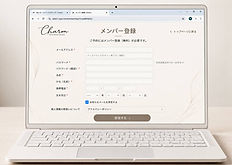
Once your membership registration is complete, please select how you would like to use the service.
02
Select your preferred method of use
Non-member
member

Once your membership registration is complete,
You can make a reservation directly from the non-members-only page .
No membership fee or annual fee required.
Available to anyone
Prepayment by credit card
After registering as a member and setting your membership plan, you can make a reservation.
①
②
③
④
⑤
After registering as a member, log in.
Proceed to "Settings for your service plan"
Select "Charm Membership Plan"
Please pay the membership fee and annual dues.
Reservations can be made through the members-only page.
03
make a reservation
Before making a reservation, please read the "Terms of Use" and "How to Use the Studio"
Please be sure to check this.
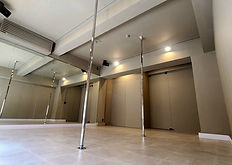
Please select your desired date, time, and plan, and follow the on-screen instructions to make your reservation and payment.
You will receive a confirmation email after your reservation is complete.